What vibe coding actually is
You will not learn to type code. You will learn to describe what you want, let a coding agent do the typing, and decide if the result is good. This lesson shows what that work looks like, what stays yours, and where the agent shines and where it does not.
- Explain vibe coding in one sentence
- Name what you own and what the agent owns
- Spot the agent’s limits before they bite you
- Write a plain-English "done" for a feature
- Ask for an outcome, not for steps
You describe the outcome, the agent writes the code, you decide if it is good.
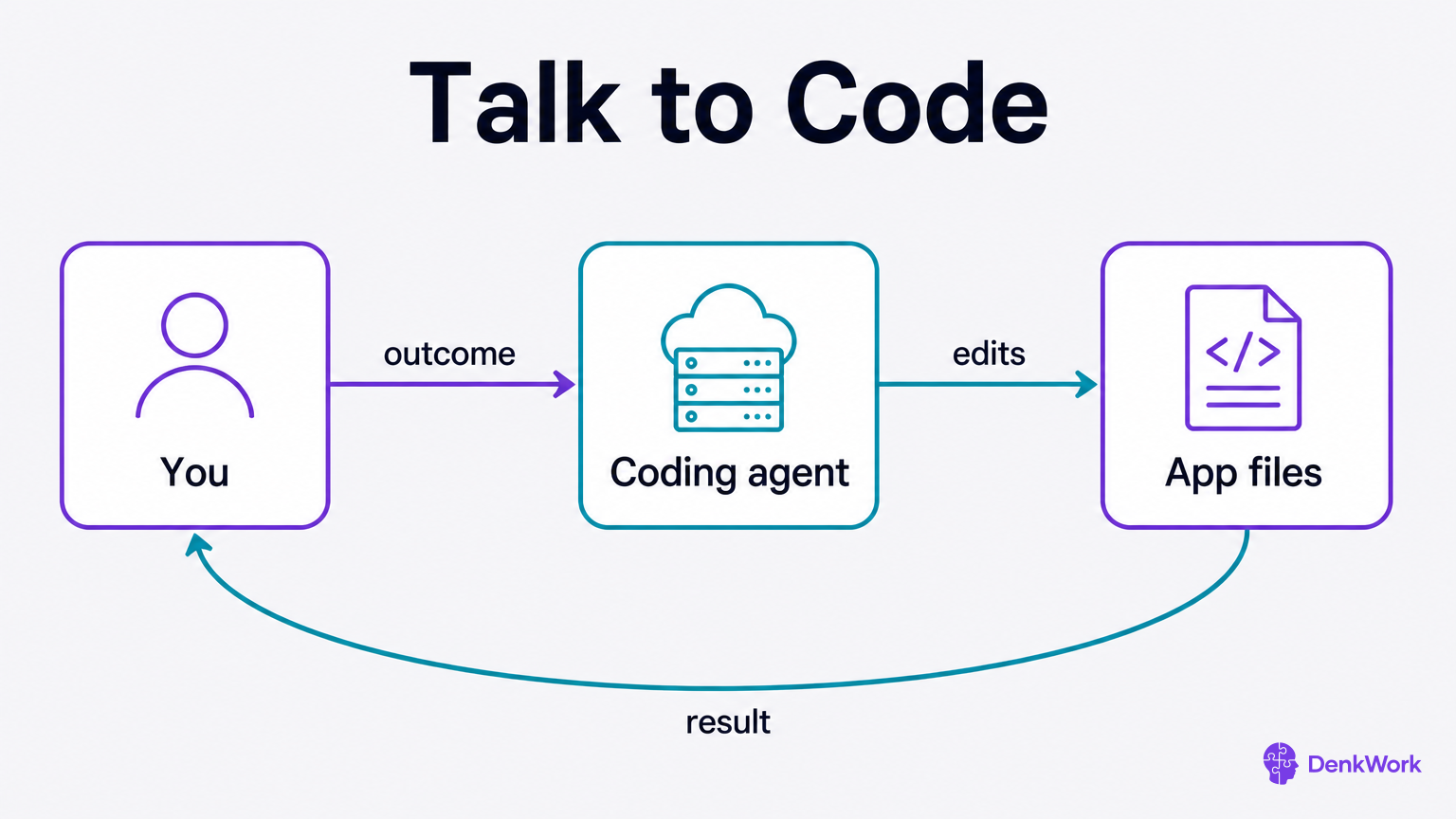
Think of yourself as the architect who sketches what the house should feel like, and the agent as the builder who measures, cuts, and fits. You say what the room is for and how it should work. The agent turns that into code, shows you what changed, and waits for your call.
This is not a visual drag-and-drop tool. There is a real app made of real files. The difference is whose hands are on the keyboard. You give clear outcomes and examples, like “let the user take a photo and save it,” and the agent creates, edits, and connects the pieces to make that happen.
Conversation drives the build. You ask for a change in plain language. The agent proposes a plan, makes edits you can review, and points you to what to look at to confirm it works. Then you accept it, or you send it back with notes. The loop repeats until the app feels right.
Where is the code while we talk?
It sits in a project folder the agent opens and edits. The agent suggests changes, applies them, and shows what it touched. You do not have to type, but you always have somewhere concrete to look if you want to see what changed.
The app lives in a folder of files that the agent edits for you.
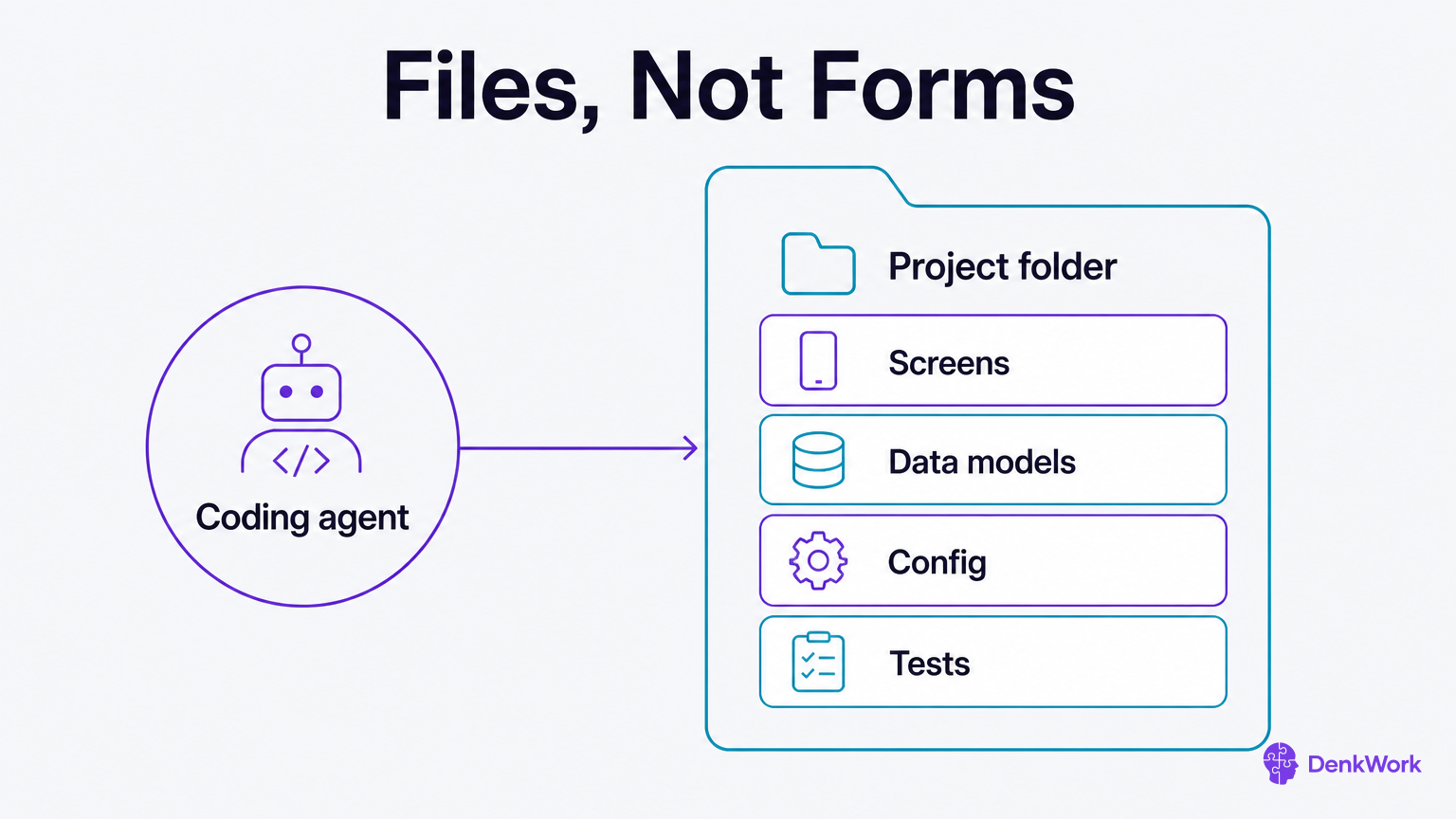
A no-code tool keeps your work inside its own interface. Vibe coding keeps your work in plain files on disk. Screens, data shapes, settings, images, tests: they are all in that folder. The agent reads and writes those files on your behalf and explains what it touched.
This matters because you are building something you can ship, move, back up, and keep forever. You can hand the folder to another agent, to another person, or to future you. Nothing is locked in a website you cannot leave.
Expect the agent to propose a plan before it changes anything: which files it will create or edit, and why. Expect it to summarize the edits after: what it did and where. You are still in charge. Approval is a human action.
How do I keep a history of changes?
There is a tool that saves every version of your project and lets you roll back if needed. You will connect it in this module and the agent will manage it for you. Day to day, you will see human summaries of what changed and why, which is what non-programmers actually need to approve work.
Your work shifts from typing to deciding what good looks like.
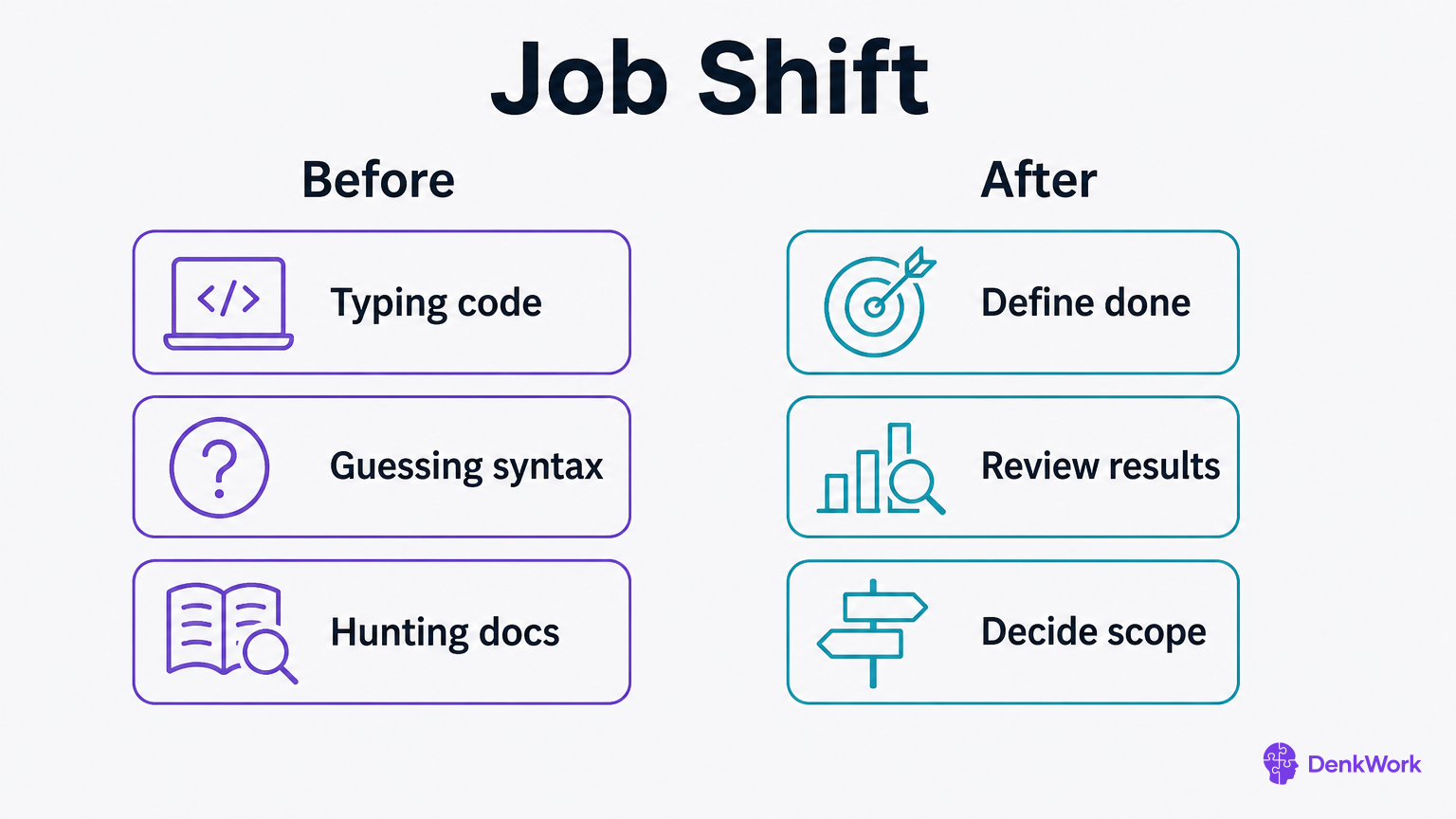
Before, building meant knowing every keystroke. Now it means knowing what outcome serves the user and what proof would make you believe it works. You set the target, the agent takes the shot, and you call whether it hit.
That feels like writing small briefs, checking real screens, and giving clear feedback. It is a lot of choosing words that steer the work: button text, empty states, error messages. It is also deciding scope: what belongs in the next hour, and what can wait until after launch.
Most of your sessions follow the same rhythm: describe a feature, say what “done” means in terms you can see, let the agent propose and execute, then accept or revise. The skill is not syntax. It is taste, prioritization, and insisting on proof.
- 1
Write one “done when...” sentence for a feature.
Open your notes app and write: “Done when [something visible happens], for example, ‘Done when I can tap Save and see the new item in the list.’”
CheckYou can read it aloud in five seconds and point to the screen that would prove it.
- 2
Pick one line of copy for a button or error.
Write the exact words a user will see, like “Scan receipt” or “Could not read the amount.” Aim for clear and short.
CheckIt fits on one button or one line without wrapping.
The agent is great at patterns and glue, and it needs you for goals and taste.
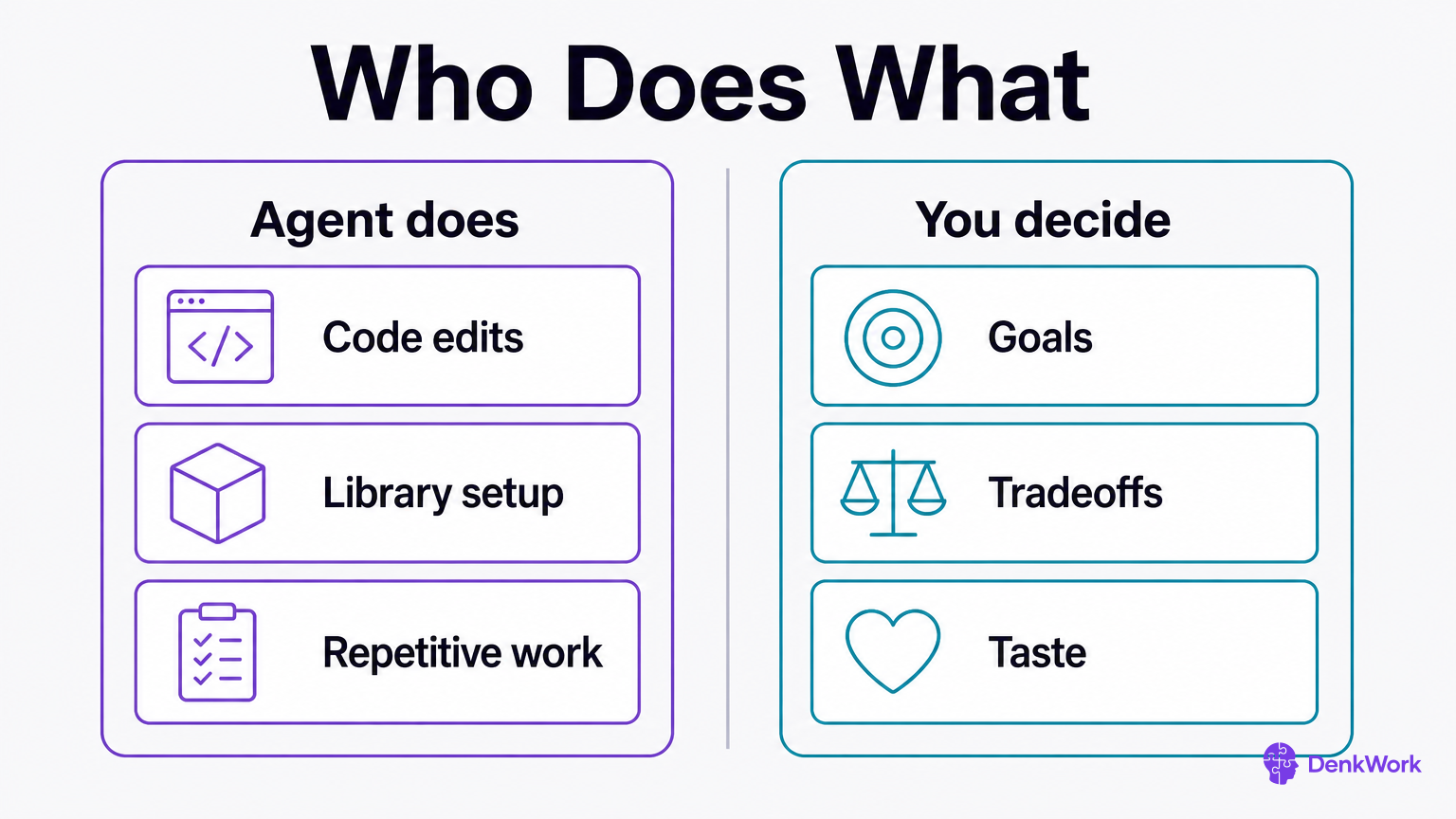
Where the agent shines:
- Turning a plain request into the files and settings it must touch.
- Wiring screens together and handling routine flows like sign in and loading spinners.
- Reading library docs and following the happy path.
- Repetitive edits across many files, like renaming or styling.
Where it needs you:
- Picking the outcome that helps a user in the moment.
- Tradeoffs, like speed now versus polish later.
- Words on screen, which carry your product’s voice.
- Edge cases and “what if” situations drawn from real use.
Treat it like a very fast junior developer who reads everything, never gets tired, and has no product sense on its own. You hand it clarity, or it will build something clear in shape but off in aim.
It will follow a bad request perfectly and cannot care if the result helps.
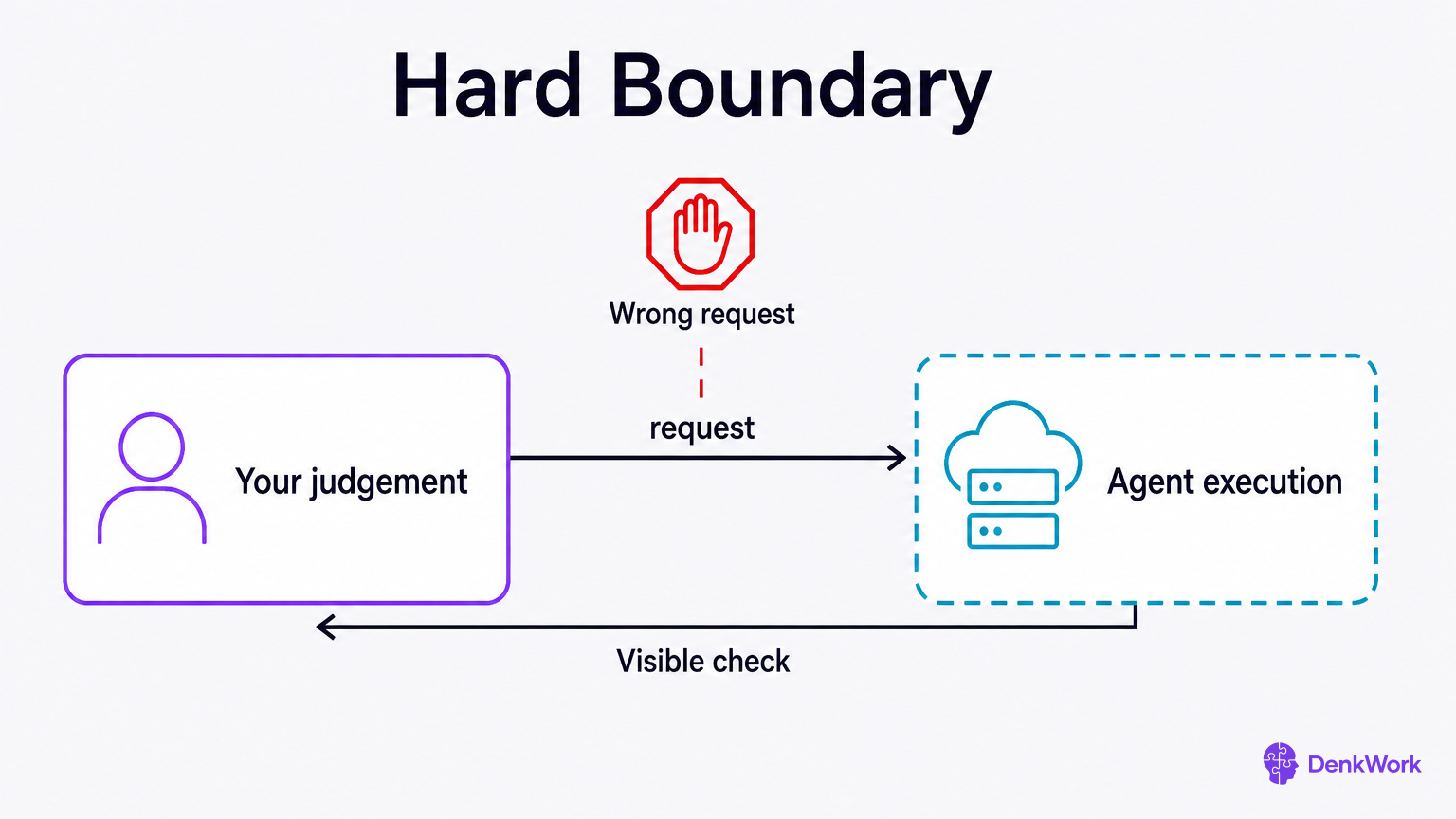
An agent is obedient. Ask for the wrong thing, and it will do that wrong thing with confidence. It cannot want an outcome or notice that your request would disappoint a user. It also cannot see your face when something feels off.
Your protection is to keep the target visible and check what a user would see. Ask the agent to show you what it plans to change, pause for approval, and then show proof after it finishes. Proof is a screen you can open, a setting you can read, or a behavior you can trigger.
When something is off, say what you saw and what you expected instead. Point to the part of the screen or flow. Avoid guesses about how to fix it unless you are sure. The agent is best at solving the problem you name, not guessing which problem you meant.
What if the agent sounds confident but is wrong?
Ask for proof you can see: a screen to open, a setting to read, or a behavior to trigger. Compare that evidence to your “done when...” sentence, not to the agent’s words. Confidence is not a signal. Observable results are.
If the proof does not match, say exactly what differed and ask for the smallest fix that would make it match. Short fixes stack into progress faster than grand rewrites.
Ask for an outcome, say you are not a developer, and see changes before they happen.
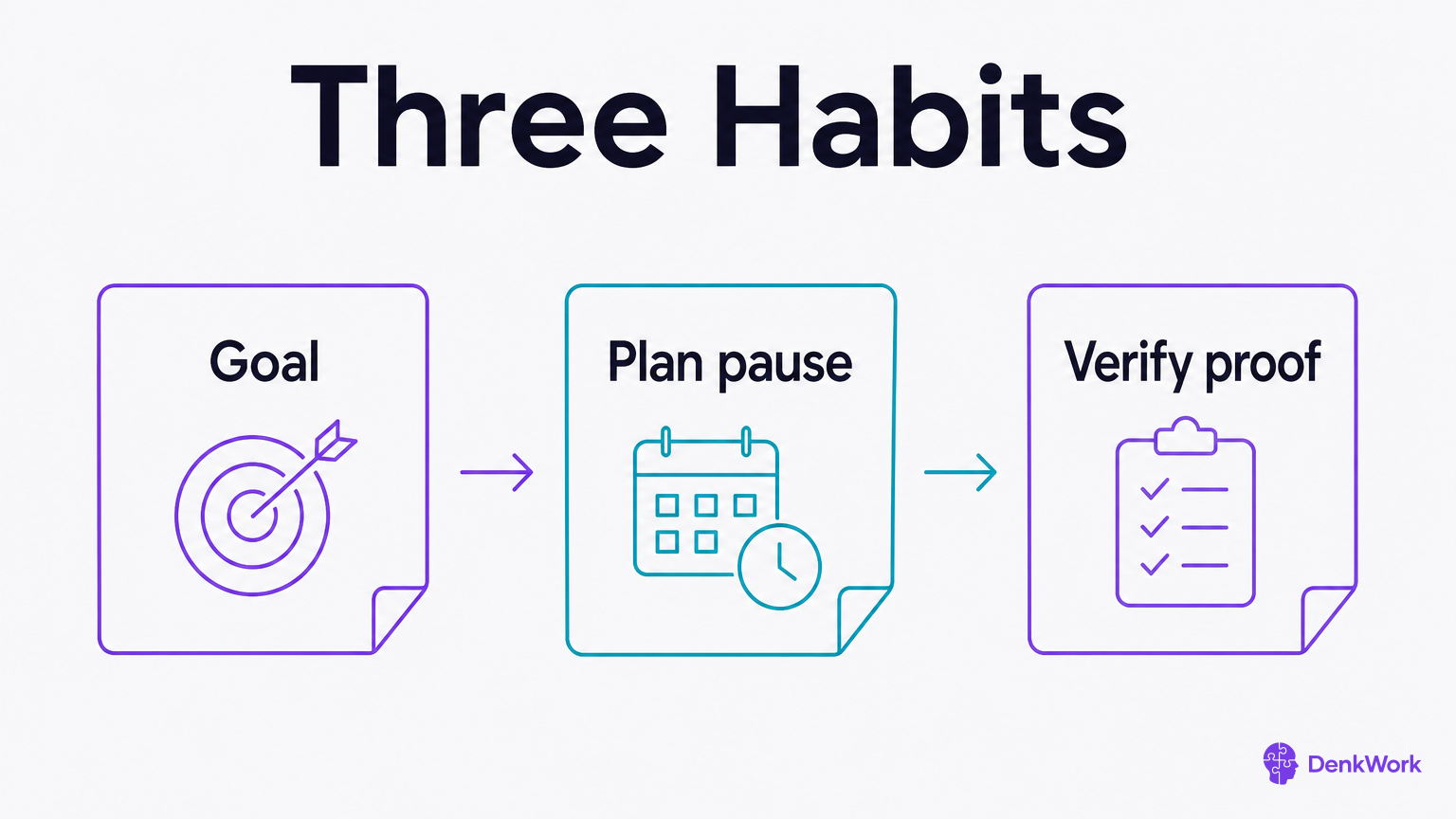
Soon you will be asking an agent to install things and open accounts for you. Three habits carry you through all of it, and they are worth knowing before you type anything.
Ask for an outcome, not steps. Say what you want to end up able to do. You do not know the steps, and guessing at them is how you get an agent doing the wrong thing carefully.
Say you are not a developer. It changes how much gets explained and how much gets assumed. Left unsaid, it will talk to you as though you already know.
Ask to see changes before they happen. Not because you will read every line, but because a plan you glance at is a plan you can stop.
You will not have to remember these for long. Once you have a project folder, you write them into a file your agent reads by itself, and it follows them without being asked. The full set of moves comes at the end of this module, in “How to talk to a coding agent”, once you have used one for a few days.