Ask for more than code
An agent will write code all day, which is the least interesting thing it can do for you. Two other requests pay off more: asking it to inspect what you already have and report back, and loading somebody else's expertise before it starts, so the work comes out with judgement in it that you did not have to develop.
- Run a focused audit that finds risk without changing anything
- Turn findings into separate tasks instead of one large fix
- Load a skill when the craft you need is not yours
Use audits to find risks and missing pieces without changing anything.
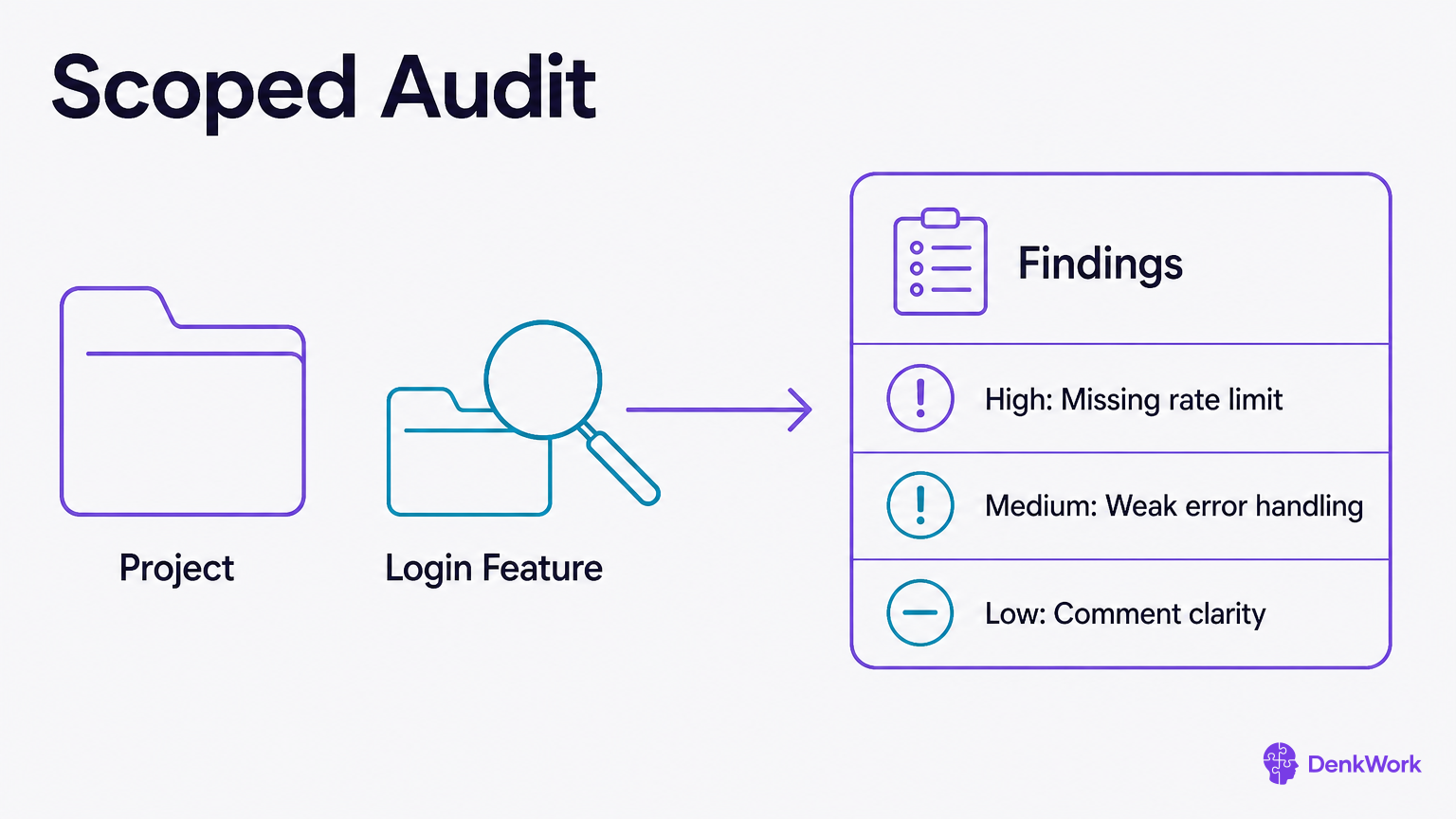
Most people only ask an agent to build. Ask it to read. An audit asks the agent to inspect a scoped part of your project and report findings ordered by impact. No changes, only a report. Run one before showing anyone, before taking money, after a big change, and whenever you feel you lost the thread.
A good audit prompt names what you care about, the scope, and the format. Say “security” or “cost” or “speed,” not “code style.” Say which files or feature. Ask for findings sorted by impact, with the reason, the likely fix, and how sure the agent is. Tell it not to change anything.
Treat the output as a to-do list, not a verdict. Fix the high-impact items first, then re-audit. For sensitive areas, an audit finds things worth checking, it does not prove safety.
- 1
Run a focused audit and save it as a file.
Ask for a report and request it be saved as AUDIT-[date]-[topic].md.
CheckThe agent shows the report and its saved filename.
Audit request: SECURITY. Scope: login flow, receipt upload, and any code that touches Supabase auth or storage.
Do not change anything. Produce a report sorted by impact with:
- Finding
- Why it matters
- Likely fix
- How to verify
- Your confidence level
Save as AUDIT-[today]-security.md and show the file. Say when you are not sure.Audit request: ORIENTATION. Scope: the whole repository, but focus your explanations on features, data flow, and risky parts.
Do not change anything. Explain:
- What this project does in 8-12 lines
- The main features and how they connect
- The parts most likely to break under more users
- The parts a new teammate would find hardest to understand
- The top 5 risks ranked by impact with why, likely fixes, and confidence
Save as AUDIT-[today]-orientation.md and show the file.How much can an audit prove?
An audit is a strong hint, not a guarantee. It can spot missing checks, risky patterns, and likely bottlenecks. It cannot prove a system is safe or fast in all cases. Use it to build a prioritized list to address.
After fixing high-impact findings, rerun the audit on the same scope. You should see shorter lists with lower-impact items. That is progress you can trust.
Whole crafts come packaged, and loading one takes about a minute.
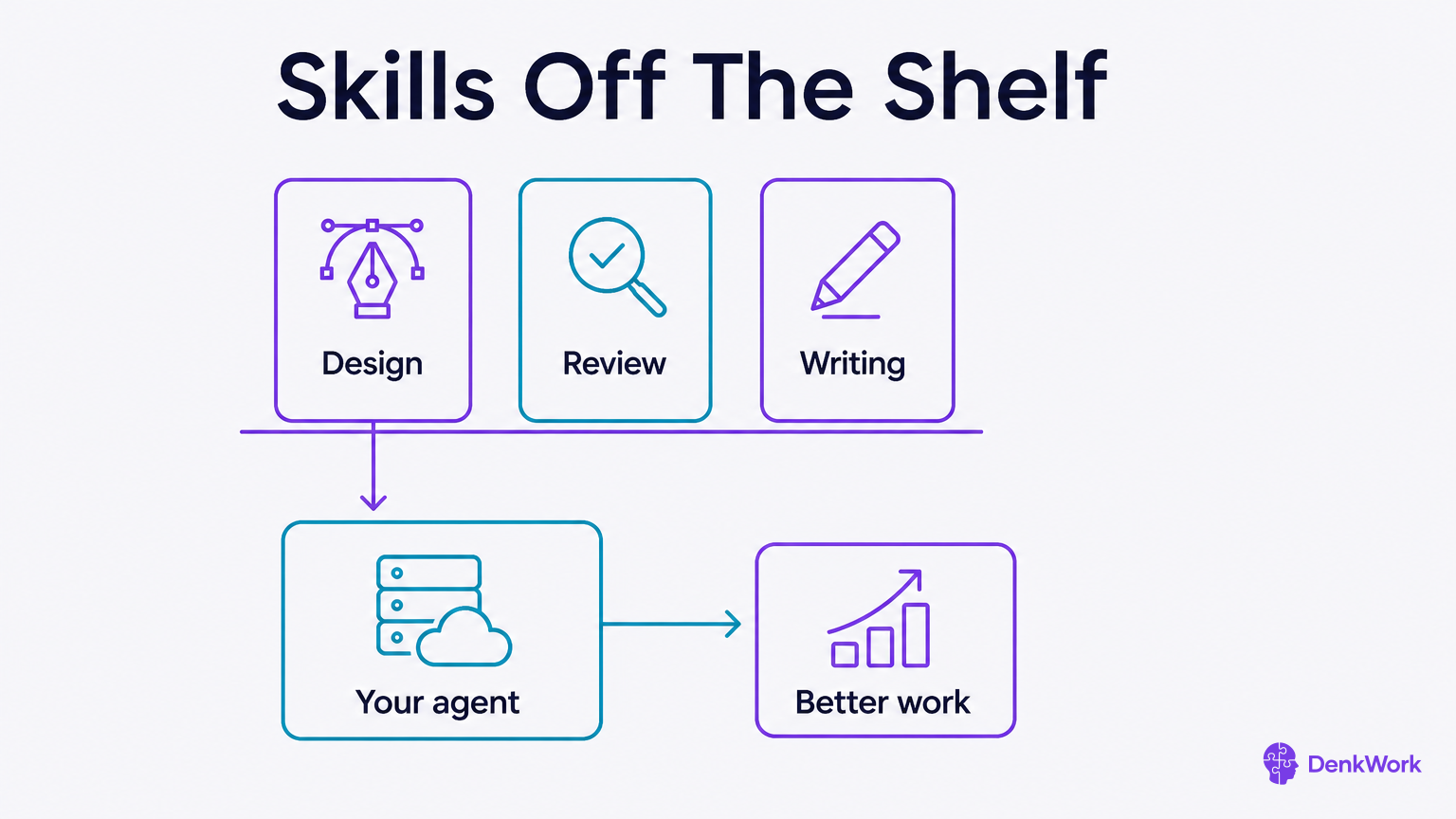
Everything up to here has been you teaching the agent how to work with you. For the parts where somebody has already done that teaching, and done it better than you could, there is a shortcut. A skill is a package of instructions and reference material about one kind of work, written by people who know that work, which your agent reads and then follows.
Design is the clearest case. A front-end design skill carries opinions about spacing, type and colour that took someone years to form, and an agent working with one produces something a designer would recognise rather than something that merely runs. Audits, accessibility, reviewing and writing all come in the same shape.
Nothing about how you talk to the agent changes. You load the skill, then ask for the work in your own words, exactly as you would have anyway. What changes is what it knows while it is listening. Claude publishes a set of these and calls them Agent Skills, with the open collection on GitHub; other agents have their own name for the same idea.
- 1
Find a skill for the work you are about to do.
Search the kind of work plus the word skill. Design, review, accessibility and writing are all well covered.
Anthropic's published skillsCheckYou have a page in front of you saying what the skill covers and how to add it.
- 2
Load it, then ask for the work the way you normally would.
Tell the agent which skill to use for this task. Your request stays in your own words.
CheckIt names the skill it is working from when it starts, and the output is visibly more opinionated than usual.
Use the [name the skill] skill for this.

[Say what you want, in your own words, exactly as you would have without it.]

Before touching any code, show me what you are proposing as something I can read: what it would look like, and why those choices. Read only until I have said yes to that.
For design work the first answer should be a written proposal, not a changed app.
How is a skill different from the rules file?
Your rules file is about you. How you want to be spoken to, when to commit, what must never be touched. It is short, personal, and it applies to everything you do.
A skill is about a craft. What good typography looks like, what an accessibility pass checks for, how a reviewer reads a change. It is long, general, and it only applies while you are doing that particular kind of work.
Keeping them apart is what stops either from getting in the other's way. Rules that only matter during design work belong in a skill, and taste that belongs to a craft has no business in a file that loads on every task.