Agree the work before it starts
There is a moment between asking and building where you still hold all the leverage, and it closes the second code starts moving. This lesson is about spending it well: getting the steps out where you can see them, deciding up front how you will know it worked, and keeping each piece small enough that checking it is realistic.
- Ask for a numbered plan with a check on every step
- Write a definition of done in checks a friend could run
- Slice the work small enough to review in one sitting
Ask for the steps and checks before any code changes.
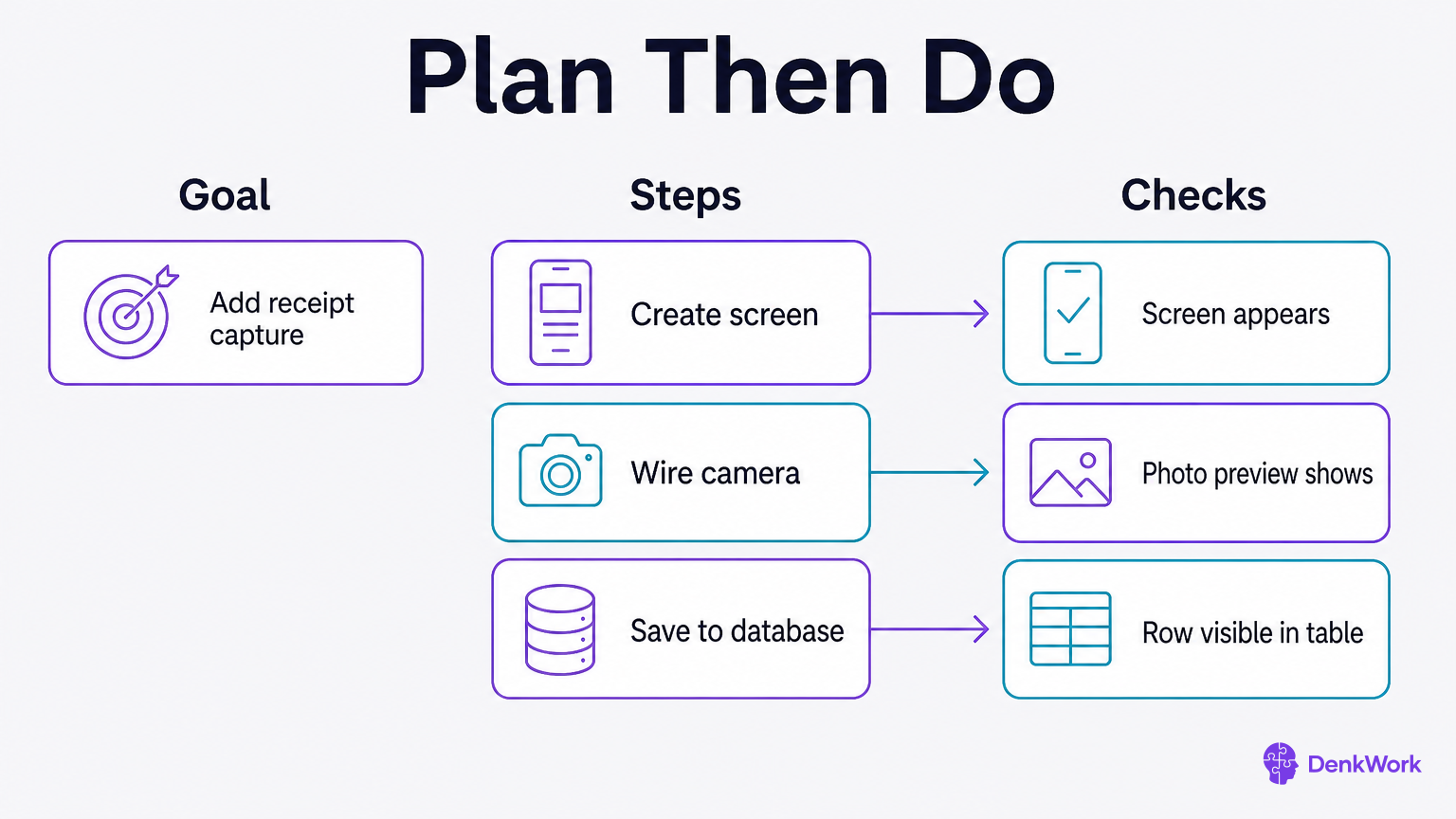
The highest-value habit: make the plan visible before any code moves. A plan is a short, ordered list of steps, each with a check a friend could run. It also names risks and how to back out if a step goes wrong. Approve the plan, then approve step 1 only.
A good plan has three parts: steps, checks, and stop points. Steps say what will change and where. Checks say how you will know it worked, in words a non-developer can follow, like “Open the app, tap Add Receipt, take a photo, see a thumbnail in the list within 3 seconds.” Stop points say where the agent must pause and wait for approval. That lets you keep control of scope and catch surprises early.
Push back on fuzzy plans. If a step does not name a file, a screen, or a setting, ask for specificity. If a check is “should work,” ask for an exact action and a clear outcome.
- 1
Ask the agent for a numbered plan with checks and stop points.
Say you will only approve step 1 after reviewing its preview.
CheckYou see steps with matching checks and notes where the agent will pause.
- 2
Approve step 1 only and ask for a preview of changes.
Tell the agent to list the files and settings it will touch for step 1.
CheckA file-by-file preview appears, with nothing outside the step’s scope.
Before changing anything, propose a numbered plan for [feature], with:
- Exact files, screens, or settings to touch in each step
- One human-runnable check per step
- Risks and a simple rollback for each step
- Clear stop points where you will wait for my approval

After I approve the overall plan, present a preview for step 1 only listing files to add or change and why. Wait for my go-ahead before writing code.
When is planning too much?
If a request fits in one message and one return, you still win by writing one tiny plan: state the single step, the one check, and the stop point at the end. It takes thirty seconds and prevents surprises.
For larger features, the cost of planning is small compared to the cost of fixing misaligned work. A page of plan saves days of rework.
Decide how you will test success before work starts.
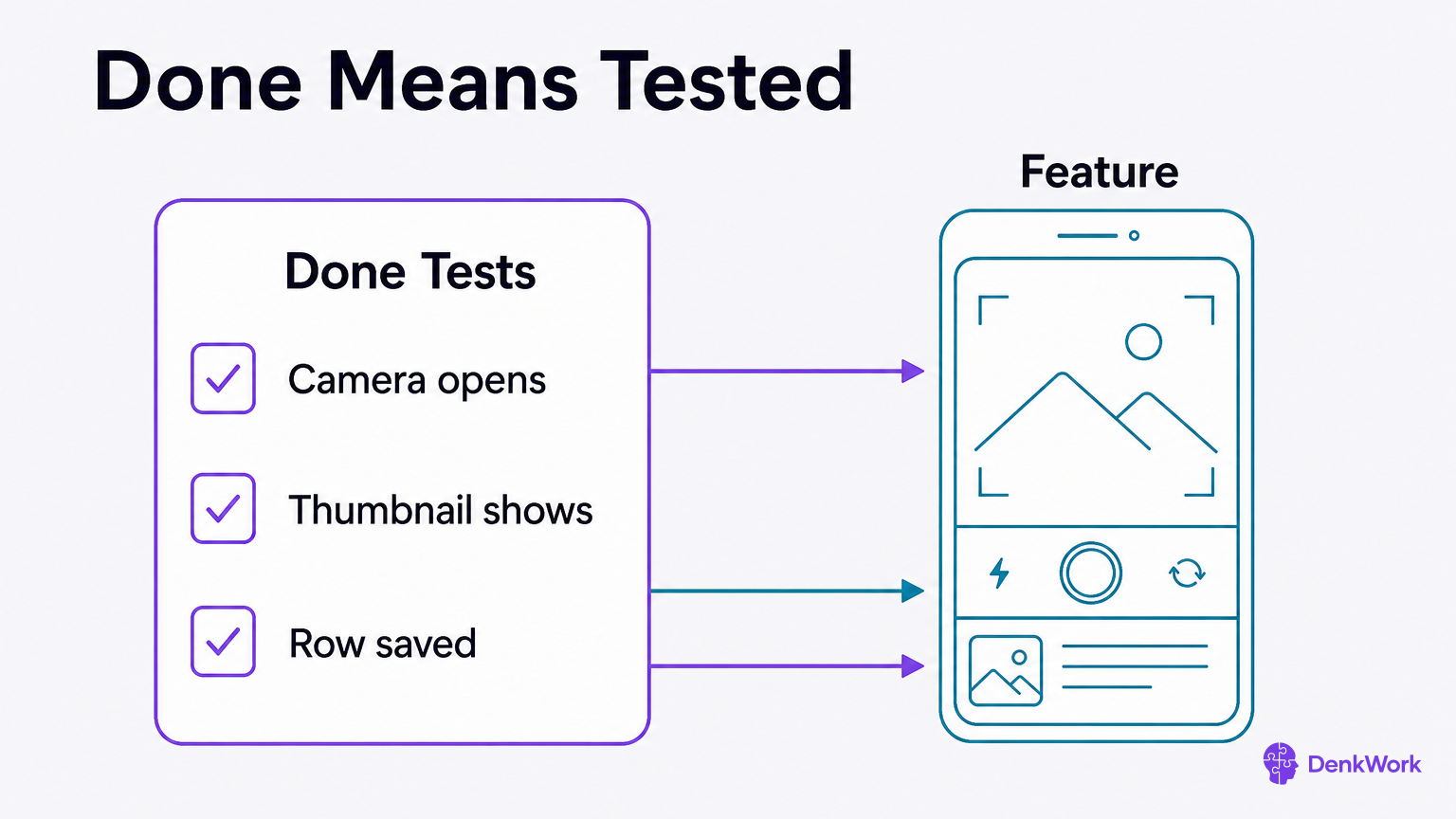
A definition of done is a short checklist of what you can see working. It is not code talk. It is what a friend could follow. Write it before any code changes, and make the agent agree to meet it and to show proof at the end.
Good checks are specific and observable. For a screen: “From Home, tap Add Receipt, camera opens, shutter works, thumbnail appears in the list within 3 seconds.” For data: “A new row appears in Supabase table receipts with vendor, amount, date, and image URL.” For safety: “Unauthenticated users cannot open Add Receipt; they are sent to Login.”
Ask the agent to echo the checks back at the top of its final message for the task, with a short note under each saying which proof you should look for. That turns the last message into a ready-made sign-off.
- 1
Tell the agent to draft the definition of done in checklist form.
Ask for 3 to 6 checks a non-developer can run.
CheckYou see a short checklist in plain language.
- 2
Require the agent to restate the checks when it delivers the work.
Ask it to show proof under each check at the end.
CheckThe final message includes the checklist and proofs.
For [feature], write a short Definition of Done as a checklist of 3-6 human-runnable checks. Each check must be specific and observable. At delivery time, restate the checklist at the top of your message and show proof under each item. Do not write code until I approve the checklist.Work in small, single-purpose changes the agent can finish and show.
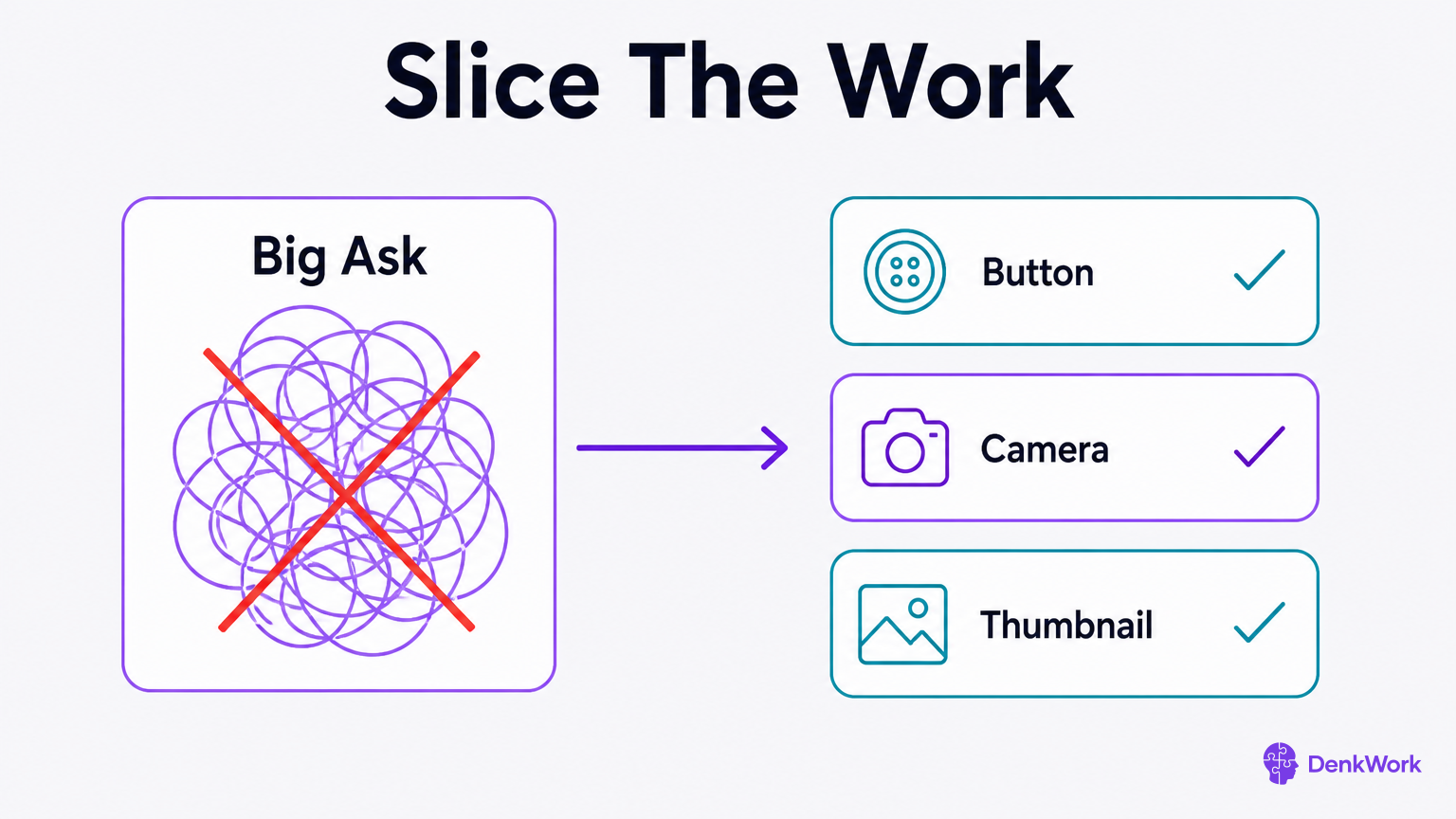
Big vague asks lead to big vague messes. Small asks finish. Aim for one step, one purpose, and one preview of changes. If you catch yourself listing many things, split them. Ask to see a preview of files and settings for the one change before code appears.
Rewrite wide prompts into narrow ones. Wide: “Build receipt scanning.” Narrow: “Add an Add Receipt button to the Home screen that opens the camera. Do not save anything yet.” Narrow again: “Show a thumbnail preview after the photo is taken. Do not call the server yet.” Each round locks in a win and keeps risk low.
Add guardrails to small changes: forbid refactors, forbid renames, and forbid changing tests or translations unless the step is about those. That keeps drift out while you build the feature shape.
- 1
Approve only the single change after reading the preview.
Say yes or no to the preview, with one note if something is off.
CheckThe agent proceeds only with the agreed files and scope.
Make exactly one change: [name the tiny change].
Rules:
- Do not refactor or rename anything
- Do not change tests, copy, or styles unrelated to this change
- Show a preview listing files you will touch and what you will add in each
- Wait for my approval before adding code
- After delivery, show proof that the single change meets the Done checks for this step